
A FREE WEB APP BY S2A PRODUCTION
S2A Pilot
Your show,
cue by cue.
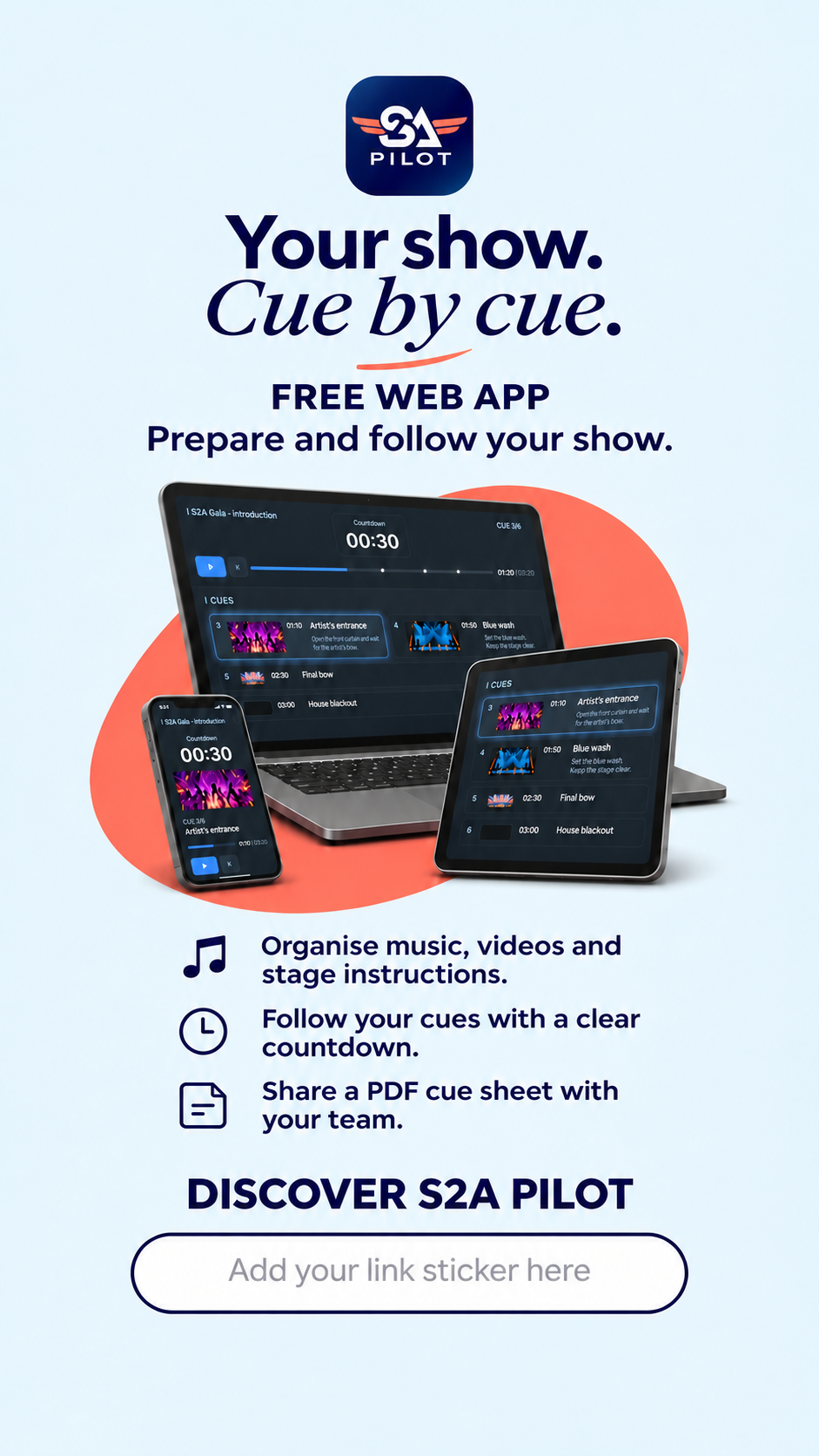
Bring your music, videos and stage instructions together in a timed running order: your cue sheet. During the show, see the current cue, what comes next and the time remaining.
Desktop, tablet and smartphone.
Use it in your browser. Installation is optional.
Interface available in
English · French · Spanish · German


FROM REHEARSAL TO PERFORMANCE
Prepare. Follow. Share.
A practical way to prepare your act and share it with your technical team.
Prepare your act.
Set your cues, add visual references and bring in your music and videos. Keep the timing and instructions together.
Follow your show.
Switch to Show mode to follow the countdown and see the cues coming next, as the performance unfolds.
Save and share.
Save an editable project to reopen and refine. Export a PDF cue sheet to read, print or share with your technical team.
GETTING STARTED
Open it. Make it yours.
Start in your browser on desktop, tablet or smartphone. You can also add S2A Pilot to your device where installation is supported.
Add S2A Pilot to your device
First, open S2A Pilot. You can use it directly in your browser.
On iPhone or iPad
- Open S2A Pilot in Safari.
- Tap Share.
- Choose Add to Home Screen.
- Tap Add.
When an Install option is available
Select Install and follow the instructions. If the option is not available, continue using S2A Pilot in your browser.
A GUIDE WHEN YOU NEED IT
Read the English user guideIllustrated PDF · S2A Pilot + BridgeFollow the illustrated guide to prepare your first cue sheet and explore S2A Pilot. It also covers the optional Bridge companion for QLab.
Using QLab 5 on Mac?Optional companion: S2A Pilot Bridge
Import your cue sheet into QLab 5 on Mac with S2A Pilot Bridge. Bridge is an optional companion tool; you do not need it to use S2A Pilot in your browser.
YOUR STAGE COMPANION
From the first cue
to the final bow.
Developed by S2A Production from hands-on experience in live performance, so you can focus on what matters most: the show.
Open S2A Pilot for freePASS IT ON
Share S2A Pilot.
Send the page.
Share a story.
Story
Post

Photo